
ChatGPT 6 and GPT 6 Training for Teams: Intelligent UI Use Cases and Controls

Updated: 2 hours ago

Updated Friday 20 November 2026. Facts checked against launch announcements and model pages the same week.
GPT 6 is available across ChatGPT tiers, with model availability depending on the plan. OpenAI's official help pages describe different default models, so verify access in your current ChatGPT model picker. The change employees notice is Intelligent UI: answers that arrive as charts, forms, buttons and small tools. This guide shows companies which team tasks benefit, where the risks are, and how Digital Training Jet trains staff to use ChatGPT 6 well.
Key points for companies
GPT 6 with Intelligent UI rolled out from Wednesday 7 October 2026 to paid tiers and Thursday 8 October 2026 to Free and Go.
Intelligent UI turns answers into usable tools, which helps sales, HR, finance and training teams most.
Every number and every generated tool must be tested before it reaches a client.
Enterprise access depends on your admin settings.
Release facts
Item | Detail |
GPT 6 Astra | Announced Thursday 3 September 2026 as OpenAI's frontier GPT 6 model for complex reasoning and professional work |
GPT 6 in ChatGPT | Rolled out with Intelligent UI from Wednesday 7 October 2026 to Plus, Pro, Business and Enterprise |
Free and Go | Rollout expanded to Free and Go on Thursday 8 October 2026 |
Models behind it | Model access varies by plan; verify your current ChatGPT model picker |
Intelligent UI | Answers can include charts, tappable buttons, forms and small working tools |
Speed | Can start answering while it is still thinking; GPT 6 Instant began answering 44% sooner on search questions than GPT 5.6 Instant (OpenAI figure) |
Work and Codex | Models powering ChatGPT Work and Codex did not change in this release |
Name | ChatGPT 6 is a popular search term; OpenAI's official names are GPT 6, Sol, Luna and Astra |

Use cases by department
Department | Use case | Output format | Owner |
Sales | Client savings calculator for proposals | Calculator tool | Sales head |
Finance | Expense and budget split tools | Calculator and table | Finance controller |
HR | Request forms and policy checklists | Form | HR manager |
L and D | Quizzes and practice scenarios | Interactive quiz | Training lead |
Marketing | Campaign calendars and comparison pages | Timeline and table | Marketing manager |
Operations | Process explainers for new staff | Interactive diagram | Process owner |
Support | Clickable FAQ for common questions | FAQ tool | Support lead |
Leadership | Briefings with web sources | Summary with links | Chief of staff |
Risk and control table
Risk | Control |
Wrong calculation in a generated tool | Test with known numbers and show formulas |
Outdated web facts | Open every source link before sharing |
Client data in personal accounts | Use ChatGPT Business or Enterprise only |
Inconsistent outputs across staff | Shared prompt library and review step |
Prompt templates
Proposal savings tool
Create a calculator for our proposal showing yearly savings from automating a task. Inputs: staff count, minutes saved per day, salary per month. Show formulas and round only the final figure.
Policy checklist
Turn our attached reimbursement policy into a checklist form employees fill before submitting a claim, with a note next to each item citing the policy section.
Practice scenario
Create an interactive customer objection role play for our sales team with five objections, three answer choices each and feedback on the best answer.
Campaign timeline
Lay out our product launch plan as a visual timeline from the attached notes, with owners and dates, and list any task without an owner.
Tool test
Run the calculator you built with these three inputs and show expected results. Correct any formula that gives a different answer.
Training tips
Teach people to ask for a format: chart, form, calculator or quiz.
Make testing generated tools part of the workflow.
Start with one department and three tasks, then expand.
Review the prompt library every quarter.
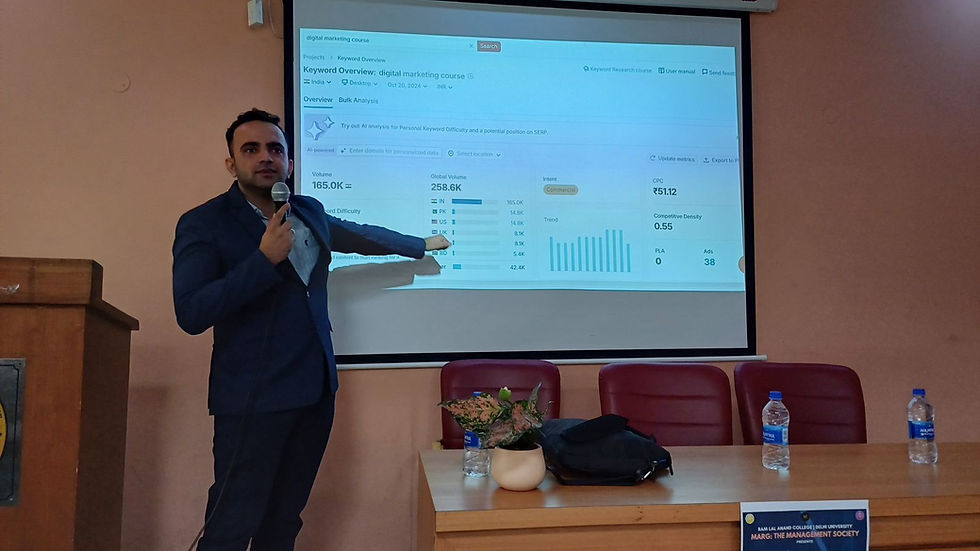
About Digital Training Jet and Parikshit Khanna

Digital Training Jet is a corporate AI enablement firm founded in 2020 by Parikshit Khanna. Every programme is built on the client's own tasks, runs live onsite or online, and ends with a saved prompt library and a one page rule sheet for the team.
3,50,000+ professionals reached through Digital Training Jet programmes
Lead trainer Parikshit Khanna, TEDx speaker: Redesigning Work with Artificial Intelligence
Anthropic Academy courses completed by the lead trainer: Claude 101, Claude Cowork, and AI Capabilities and Limitations
Teams trained include Arvind Fashions, Gaursons, Aries Agro and the Pansari Group
Delivery: onsite across India and the UAE by arrangement, or live online
FAQ
What is the difference between GPT 6 Sol and Luna?
Sol and Luna are models intended for everyday conversation. OpenAI's help pages describe different plan defaults; check your current ChatGPT model picker for availability.
What is GPT 6 Astra?
OpenAI's frontier GPT 6 model for complex reasoning and professional work, announced on Thursday 3 September 2026.
Is Intelligent UI available to everyone?
It rolled out to all ChatGPT tiers in October 2026; enterprise access depends on admin settings.
Can training cover ChatGPT, Claude and Copilot together?
Yes. Programmes can compare tools on the same tasks your team does.
How do we book?
Message on WhatsApp or email with your team size, city and preferred dates.
Related reading
Sources
OpenAI, GPT 6 and Intelligent UI for everyone, Wednesday 7 October 2026: openai.com
Rollout details, Sol and Luna tiers, speed: Fonearena and VKTR
GPT 6 Astra announcement timeline: Founderz


Comments